|
"I built one of the coolest things I have ever made with AI. Then I tried to leave." |
That's how my friend Casey Dean—an AWS Solutions Architect and my former Jiu Jitsu training partner—opened a recent LinkedIn post describing his experience with Manus AI. Within hours, he'd built a fully functioning website with a RAG pipeline, an "Oracle" character with personality and hidden easter eggs, a clean database, and admin pages—a working baseline site in about two hours for roughly $40. |
Then came the moment every creator dreads. When Casey tried to deploy his creation to AWS—actually to own what he'd built—he discovered everything was deeply embedded inside the Manus ecosystem. APIs, databases, knowledge stores, execution logic. All of it flowed through Manus. |
As he put it: "Welcome to the digital Hotel California. You can check in anytime you like... but you can never leave." |
His experience captures a critical question for anyone adopting AI automation tools: when the work is done, who owns it? |
This month, three tools have emerged that take different approaches to giving AI "hands"—the ability to control your browser, files, and desktop. Each answers the ownership question differently. Here's how they work and which one fits your needs. |
|
FROM ZERO to 1,200 MONTHLY VISITORS-ON AUTOPILOT |
| | |
|
|
The SEO game changed. Now you need to rank on Google and get cited by AI assistants like ChatGPT and Perplexity. That's a lot of content. |
Run your content marketing autonomously—from keyword research to publishing—so you can focus on closing deals instead of managing writers. Tely AI optimizes both traditional SEO and the new "GEO" (Generative Engine Optimization) landscape. |
Real results: customers see 64% reduction in customer acquisition costs. |
|
|
|
|
Your AI Just Got Hands |
How OpenClaw, Claude Cowork, and Claude Code turn AI into autonomous workers—and why ownership matters |
The shift happening right now isn't about smarter models. It's about AI that acts. Tools that can navigate your browser, move your files, run your scripts, and complete multi-step workflows while you focus on something else. |
Three tools represent different points on the spectrum: OpenClaw (open-source, self-hosted, maximum control), Claude Cowork (sandboxed desktop automation from Anthropic), and Claude Code + Chrome (developer-focused browser integration). Each provides AI with direct access to your computer—but with different trade-offs in security, capabilities, and ownership. |
The Ownership Problem |
Casey Dean's Manus experience illustrates what happens when capability outpaces portability. He spent approximately $200 in total and achieved impressive results quickly. But when he tried to refactor the project to run independently, the process became "slow and painful." The system, he concluded, "was not built for people like me to leave." |
This isn't unique to Manus. Any AI tool that routes your data, logic, and execution through its own infrastructure creates dependency. The question isn't whether the tool is powerful—it's whether you can take your work elsewhere when you need to. |
The three tools below solve this differently. OpenClaw runs entirely on your hardware. Claude Cowork sandboxes everything locally. Claude Code operates through your existing browser session. In all three cases, the files you create are yours. |
OpenClaw: The Open-Source Power Tool |
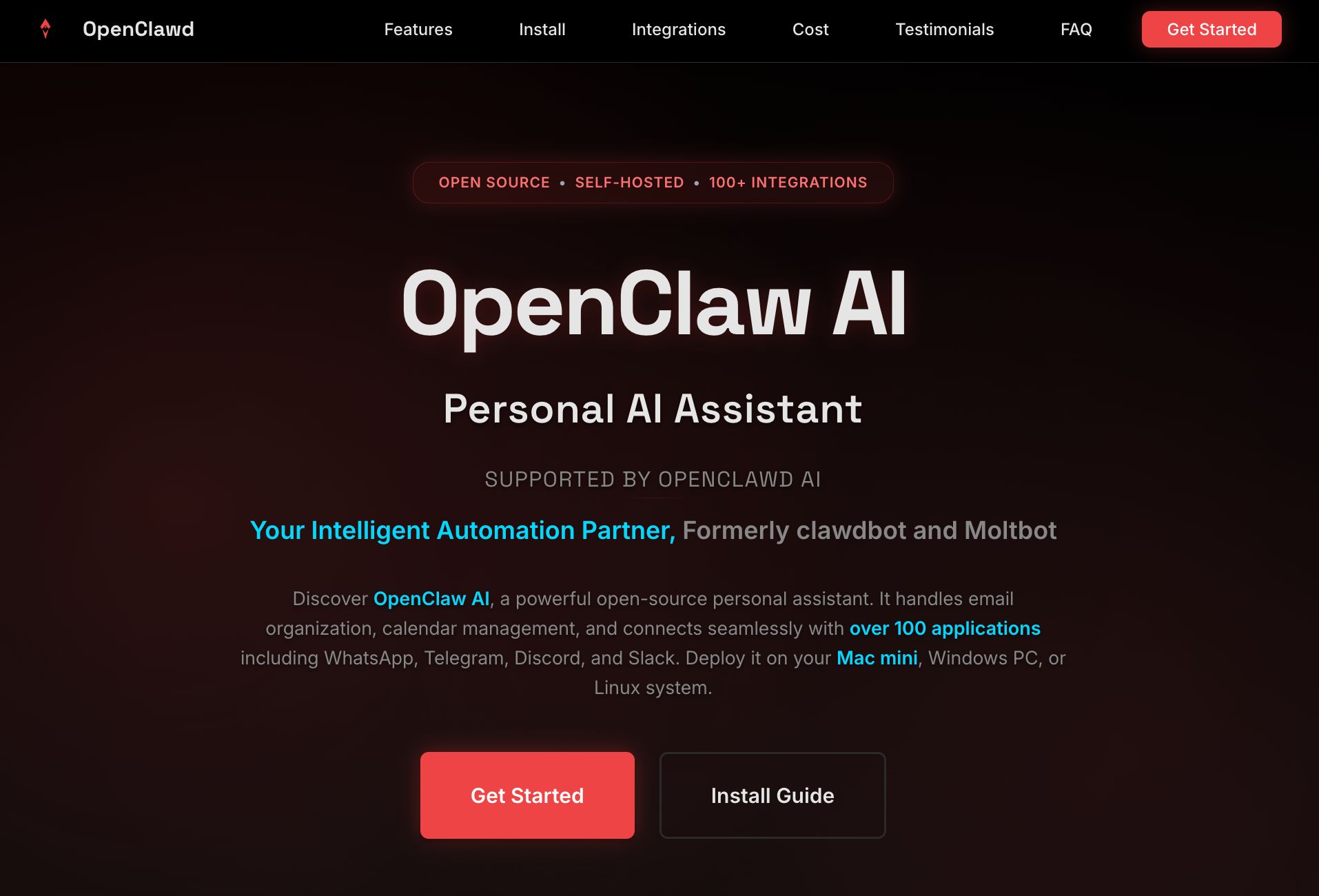
OpenClaw (formerly Clawdbot, then Moltbot) is an open-source AI assistant with over 100,000 GitHub stars that runs on your own machine and connects to whatever chat platform you already use—WhatsApp, Telegram, Discord, Slack, Signal, iMessage, Google Chat, or Microsoft Teams. |
What it does: Full system access. Browser control. File operations. Shell commands. Scheduled tasks. Persistent memory that remembers you across sessions. It's essentially a 24/7 AI employee that lives on a Mac Mini in your closet. |
Requirements: Node.js 22 or higher. Works on macOS, Linux, and Windows (via WSL2). |
Step 1: Install via the one-liner |
curl -fsSL https://openclaw.ai/install.sh | bash |
Step 2: Run the onboarding wizard |
openclaw onboard |
Step 3: Connect your preferred chat platform (WhatsApp, Telegram, Discord, etc.) |
Step 4: Configure your model provider (Anthropic, OpenAI, or local models via Ollama) |
Cost: The software is free (MIT license). You pay only for API usage—typically $10-70/month depending on usage patterns. |
The MCP angle: OpenClaw supports Model Context Protocol, meaning it can both connect to existing MCP servers (filesystem, GitHub, databases) and expose its own capabilities as an MCP server. This lets you connect Claude Desktop or other MCP clients to your running OpenClaw instance—one lobster, many masters. |
Extending capabilities: The MoltHub marketplace offers community-built skills that extend OpenClaw's capabilities—from smart home control to health data integration. Over 100 preconfigured AgentSkills are available, though you should review community contributions before installing. |
Limitations: Requires technical comfort with command-line setup. Security is configurable but not enforced by default. Review community contributions from MoltHub before installing. |
The OpenClaw Rollercoaster |
|
In one week, this project went from a weekend hack to an internet phenomenon—and nearly imploded. Here's what happened: |
100K+ GitHub stars in days, making it one of the fastest-growing open-source projects in GitHub history Anthropic trademark request forced a rebrand from Clawd to Moltbot—the name was too close to "Claude" 10-second account hijacking: During the rename, crypto scammers grabbed both the GitHub org and X handle in the gap between releasing old names and claiming new ones $16M fake token pump-and-dump: A fraudulent $CLAWD token appeared on Solana, spiked, then collapsed—late buyers got rugged Security vulnerabilities exposed: Cisco, Bitdefender, and SlowMist found hundreds of exposed admin panels, API keys in plaintext, and authentication bypasses enabling remote code execution
|
Creator Peter Steinberger shipped 34 security-related commits, rebranded the project as OpenClaw, and the project stabilized. The core software is solid—but the chaos is a reminder that open-source tools operating on your behalf require careful setup. If you deploy OpenClaw, review the security documentation before exposing anything to the internet. |
The Malware Ecosystem: Fake Clawdbots Everywhere |
OpenClaw's viral success spawned something darker: a coordinated malware ecosystem exploiting its popularity. Within days of the project hitting 100K stars, attackers had built fake versions targeting developers across multiple platforms. |
The VS Code Trojan |
In late January 2026, attackers published a fake VS Code extension to the official marketplace: |
Name: "ClawdBot Agent – AI Coding Assistant" The trick: Worked as advertised, but secretly installed remote access software The catch: The real OpenClaw team never made a VS Code extension—attackers just got there first Impact: 77 installations before Microsoft removed it
|
Fake Websites and Code |
Malwarebytes found a coordinated impersonation campaign: |
Copycat domains: moltbot[.]you, clawbot[.]ai, clawdbot[.]you—all claiming to be official Cloned repos: Fake GitHub repo (gstarwd/clawbot) designed to intercept users The strategy: Code was intentionally clean to lower suspicion for future supply-chain attacks
|
Infostealer Targeting: Hudson Rock and other security researchers found that major Malware-as-a-Service families had already adapted to target OpenClaw installations: |
RedLine Stealer now sweeps %UserProfile%\.clawdbot\*.json |
Lumma Stealer targets files named "secret" or "config"—matching OpenClaw's naming conventions |
Vidar operators can dynamically update target file lists to harvest ~/clawd/ directories |
The threat isn't just credential theft. OpenClaw's persistent memory files (MEMORY.md, SOUL.md) contain what researchers call "cognitive context"—a psychological dossier of the user's work, relationships, and concerns—perfect social engineering fuel. |
Skill Library Poisoning: SOC Prime documented a proof-of-concept supply-chain attack in which a malicious skill was uploaded to the ClawdHub library, enabling remote command execution for anyone who installed it downstream. OpenClaw's SKILLS system can arbitrarily instruct the agent to install packages from npm and PyPI. When your AI agent has shell access and can install packages on your behalf, supply chain attacks become significantly more dangerous. |
The Lesson: When Google Cloud's VP of Security Engineering Heather Adkins says "Don't run Clawdbot" and calls it "an infostealer malware disguised as an AI personal assistant," per The Register, it's worth pausing. The core OpenClaw software is open-source and auditable. But the ecosystem around it—extensions, domains, skills, copycat repositories—is a minefield. If you choose OpenClaw, download only from openclaw.ai, verify signatures, and treat community skills with the same scrutiny you'd give any third-party code running with full system access. |
Claude Cowork: The Sandboxed Desktop Agent |
Claude Cowork is Anthropic's desktop automation tool, built from Claude Code and designed for non-developers who want AI to handle file and task management. |
What it does: Works within designated folders on your Mac. Can create, edit, and organize files. Runs in a sandboxed VM using Apple's Virtualization Framework, so it can't access anything outside your approved directories. |
Step 1: Download Claude Desktop (macOS only; Windows coming) |
Step 2: Subscribe to a supported plan (Pro at $20/month, Max 5x at $100/month, or Max 20x at $200/month) |
Step 3: Enable Cowork in Settings and grant folder permissions |
Step 4: Describe what you want done—Cowork handles the execution |
Time: Setup takes under 10 minutes. |
Limitations: No persistent memory between sessions. No browser integration (that's handled separately by Claude in Chrome). macOS only for now. The folder-permission model means Cowork can only access what you explicitly approve. |
Claude Code + Chrome: The Developer Bridge |
This is the newest addition—native browser integration for Claude Code that connects your terminal workflow to your browser. It can also connect your Claude Desktop version to a web browser. |
What it does: Build in your terminal, test in your browser, debug with direct console access. Claude Code can navigate pages, click buttons, fill forms, read console logs, monitor network requests, and record GIFs of browser interactions. It uses your existing logged-in sessions—Gmail, Notion, your CRM—without requiring API setup. |
Step 1: Install the Claude in Chrome extension from the Chrome Web Store |
Step 2: Update Claude Code to version 2.0.73 or higher |
claude update |
Step 3: Launch with Chrome integration enabled |
claude --chrome |
Step 4: Check connection status with /chrome command |
How it works: Claude Code communicates through Chrome's Native Messaging API. When you give Claude a browser task, it opens new tabs and interacts with pages while you continue working in your terminal. When Claude encounters login pages, CAPTCHA, or blockers, it pauses and asks you to handle them manually. |
Use case example: |
I just updated the login form validation. Can you open localhost:3000? Try submitting with invalid data, and check if the error messages appear? |
Claude opens the page, attempts the form submission, reads the DOM and console output, and reports back—all without you leaving your terminal. |
Limitations: Chrome only (no Brave, Arc, or other Chromium browsers). No WSL support. Requires a visible browser window—there's no headless mode. Session-based only; no persistent memory between sessions. |
Comparing the Three Approaches |
Feature | OpenClaw | Claude Cowork | Claude Code + Chrome |
|---|
Runs on | Your machine (self-hosted) | Your Mac (sandboxed VM) | Your terminal + browser | Browser control | Full (headless or profile) | None (separate tool) | Via Chrome extension | File access | Full system | Approved folders only | Via browser sessions | Memory | Persistent 24/7 | None between sessions | None between sessions | Chat integration | WhatsApp, Telegram, Discord, etc. | None | None | Setup complexity | Moderate (CLI + config) | Simple (GUI) | Simple (extension + CLI) | Pricing | Free + API costs (~$10-70/mo) | $20-200/month (plan-dependent) | Included with Claude subscription | Best for | Power users wanting full control | Non-technical desktop automation | Developers building/testing |
|
The Manus Credit Problem |
Beyond Casey's deployment struggles, Manus users report a separate issue: unpredictable credit consumption. The platform uses a credit-based pricing model ($39-199/month for credit packs), but provides no guarantees on the results only that you will be billed for the work. IBM software engineer at IBM, Users report burning 900+ credits on single tasks with no warning. |
This compounds the ownership problem. Not only is your work embedded in the platform—you can't even predict what it costs to use what you've built. |
OpenClaw, Cowork, and Claude Code avoid this entirely. OpenClaw uses standard API pricing (you see exactly what each request costs). Cowork and Claude Code are included in your Claude subscription with usage limits you can monitor. No surprises. |
What These Tools Can't Do (Yet) |
All three tools share these limitations: |
Won't handle CAPTCHAs automatically (you'll need to step in) Can make mistakes that require human review Face prompt injection risks when interacting with untrusted websites
|
OpenClaw specifically: |
Requires technical setup and ongoing maintenance Community skills carry supply-chain risk (review before installing) Security depends entirely on your configuration
|
Cowork specifically: |
|
Claude Code + Chrome specifically: |
|
Getting Started Today |
Path 1: Maximum Control (OpenClaw) |
For power users who don't mind CLI setup |
Right now: Run curl -fsSL https://openclaw.ai/install.sh | bash This week: Connect your preferred chat platform and configure folder access Next week: Explore community skills at MoltHub and build your first automated workflow
|
Path 2: Simple Desktop Automation (Cowork) |
For non-technical users who want guardrails |
Right now: Download Claude Desktop and enable Cowork This week: Grant access to one project folder and try file organization tasks Next week: Expand to additional folders as you build confidence
|
Path 3: Developer Workflow (Claude Code + Chrome) |
For developers who live in the terminal |
Right now: Install Claude in Chrome extension and run claude --chrome This week: Try the build-test-debug loop on a local project Next week: Automate repetitive browser testing with natural language commands
|
The tools are ready. The question is which tradeoffs fit your workflow—and whether you're comfortable with AI that doesn't just talk, but acts. |
|
ALL THINGS AI ADA LOVELACE SCHOLARSHIP PROGRAM |
|
We believe AI learning should be accessible to everyone. |
That's why All Things AI 2026 is offering Ada Lovelace Scholarships for historically underrepresented individuals in tech, career changers, veterans, and community members facing financial barriers. |
Scholarships are limited, but we'll do our best to support as many applicants as possible. |
Your ticket purchase also helps fund scholarships and invest in our AI community's future. You may still buy the regular tickets here. |
|
|
I appreciate your support. |
|
|
|







No comments:
Post a Comment